16 Port GPON OLT
March 12, 2026
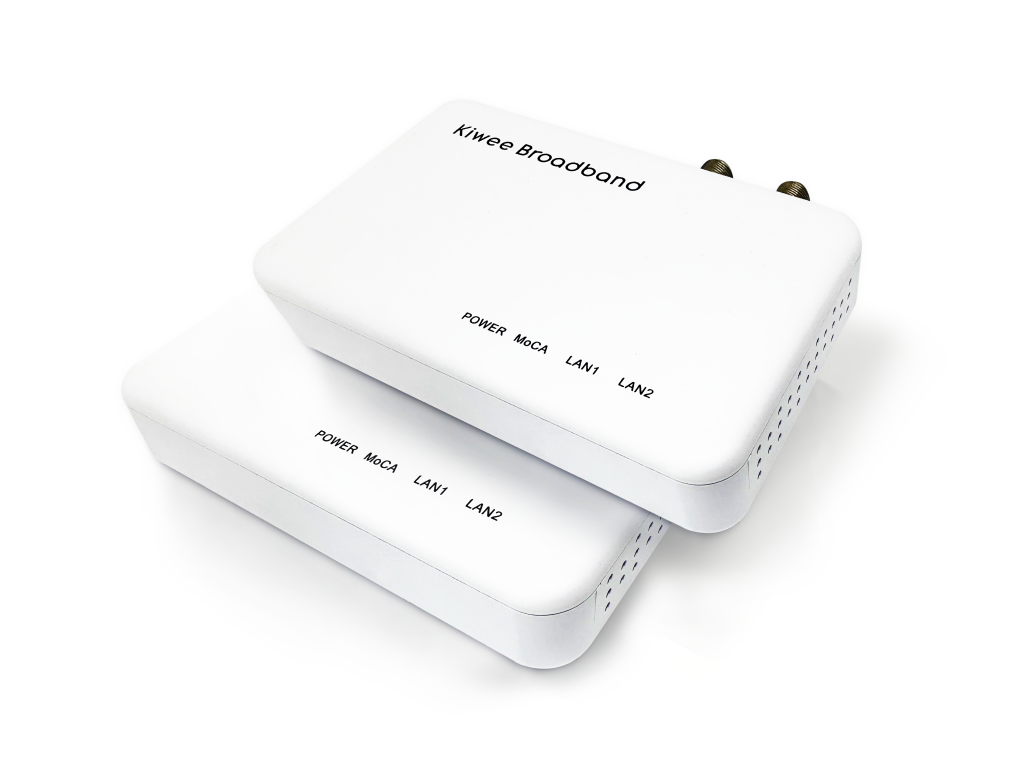
MoCA 2.5 Adapter – Dual 2.5G · 90W PoE++ per Port KB-M3-04
July 29, 2026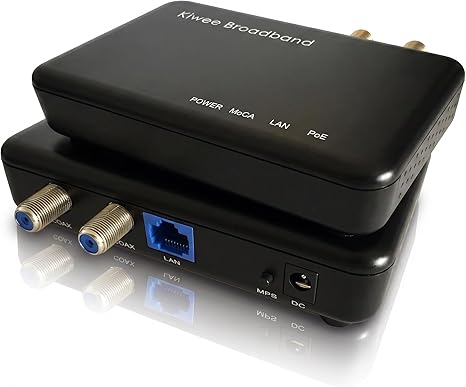
MoCA 2.5 Adapter – Single 2.5Gbps POE+ port KB-M3-03
Data and power, over the coax cable already in your walls.
Coax wiring runs through nearly every home and office. The KB-M3-03 connects at each end — one near your router, the other wherever you need connectivity — and delivers both a 2.5 Gbps Ethernet link and PoE+ power through that single Ethernet output. No separate power adapter, no extra cable run, no compromise.
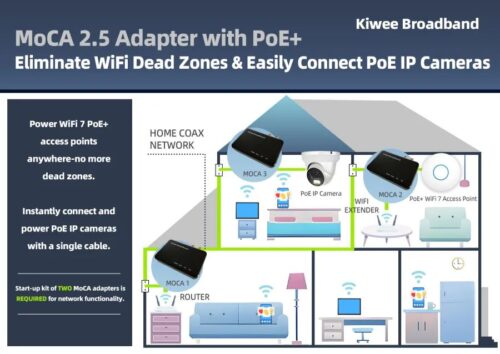

Why settle for less when you can have exclusive, high-speed wired connections for multiple devices? With 2.5 Gbps speeds and our POE+ port design, this adapter transforms your existing coaxial lines into a robust, high-performance network. Ideal for 4K streaming, online gaming, and bandwidth-intensive applications, it ensures you never have to compromise on speed or stability.
Ready for the newest generation of Wifi 7 Access points with 2.5Gbit and POE+ power. Also other devices like Security camera’s with IR lighting are supported all over existing coaxial cable.
Key Benefits:
- World’s Only 2.5GE POE+ Port: Enjoy unparalleled flexibility and high-speed connectivity across multiple devices with 30 Watts of power delivery!
- Exceptional Reliability: Consistently fast and stable connections, even under heavy data loads.
- Simple Installation: Just plug it in—no need for additional cables or complex configurations.
Take advantage of this world-first technology and set a new standard for home networking. The MoCA 2.5 Adapter with a POE+ 2.5GE port is here to redefine connectivity for the modern home.
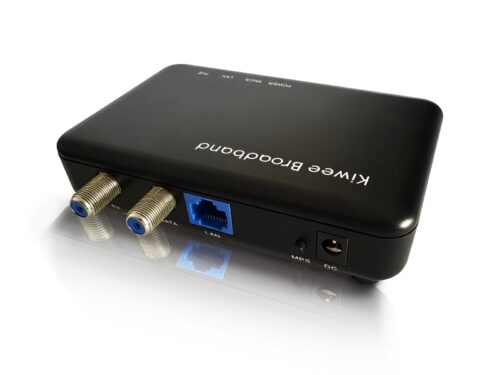
Get ready to experience what only we can offer!
🛠️ Why a POE+ Port Matters
Discover how a POE+-port MoCA adapter can simplify your setup and boost your network performance.
Common questions before you buy
“Will it power my access point?”
Yes — up to 25.5W of PoE+ (IEEE 802.3at), enough for most Wi-Fi 6/7 access points, IP cameras, and VoIP phones.
“Is setup complicated?”
No — connect coax and Ethernet, and both data and power are live. No configuration required for typical use.
“What if I’m not happy with it?”
30-day returns through Amazon, plus a 1-year warranty if anything goes wrong after that.
Tech Specs
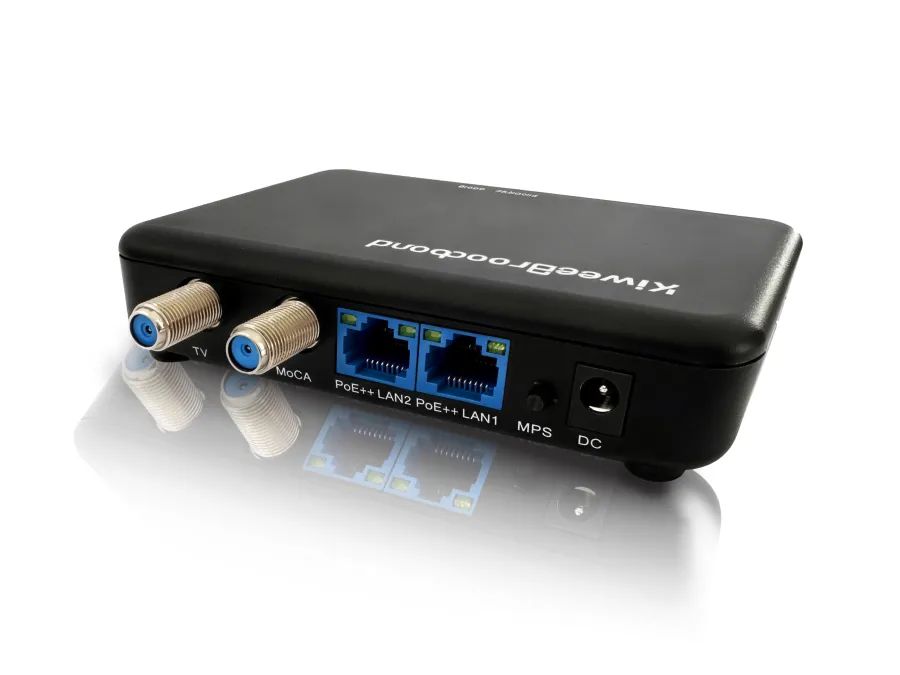
| Interfaces | One 10/100/1000/2500 Base-T Ethernet LAN with PoE (IEEE 802.3af 15.4W / 802.3at 30W) One MoCA 2.5/2.0/1.1/1.0 coaxial jack (1125–1675 MHz) One TV coaxial jack (5–1002 MHz) One MPS pairing button One reset button |
| MoCA Standard | MoCA 2.5 (D-Band), backward compatible with 2.0 / 1.1 / 1.0 |
| Max Throughput | Up to 2.5 Gbps (iperf-verified) |
| PoE Output | Up to 25.5W (IEEE 802.3at / PoE+) |
| Network Size | Up to 16 devices (including network coordinator) |
| Chipsets | MaxLinear MxL3710 · MaxLinear GPY211 |
| Regulatory | FCC, CE, UL |
Frequently Asked Questions
Which Wi-Fi access points can be powered by the PoE+ feature?
Is the D-Band adapter compatible with Xfinity/Comcast cable modems?
Can I power security cameras with the PoE+ port?
What speeds can I expect in real-world use?
Will this work in apartments or condos with shared coax?
Is it backward compatible with older MoCA devices?
Can I mix this adapter with other MoCA brands?
Can I use this adapter for mesh Wi-Fi backhaul?
How do I enable MoCA encryption?
Setup & Tutorial Videos
► Configure MoCA in D-Band High to eliminate DOCSIS 3.1 interference
- Open the MoCA settings on each adapter via its web interface.
- Set the frequency band to D-band High (1350–1675 MHz).
- Apply the 1400 MHz LOF value on every MoCA device.
- Repeat for all adapters in the network.
- Restart each device to apply the new settings.
- Reconnect everything and confirm MoCA link lights are solid and performance is stable.
► Check firmware and link rate for stable performance
► Switch from static IP to DHCP for automated management
► Enable MoCA traffic security across your network
User Manual
 English User Manual
Other languages user manuals are available below:
 Français
 Español
 Italiano
 Deutsch
 Nederlands
 Polski
 日本語
日本語 Português
Firmware
1.18.13.13 Based on Maxlinear SDK v1.18.13.13
| Weight | 200 kg |
|---|