Credit
August 14, 2025
VANTIVA CGA437
January 30, 2026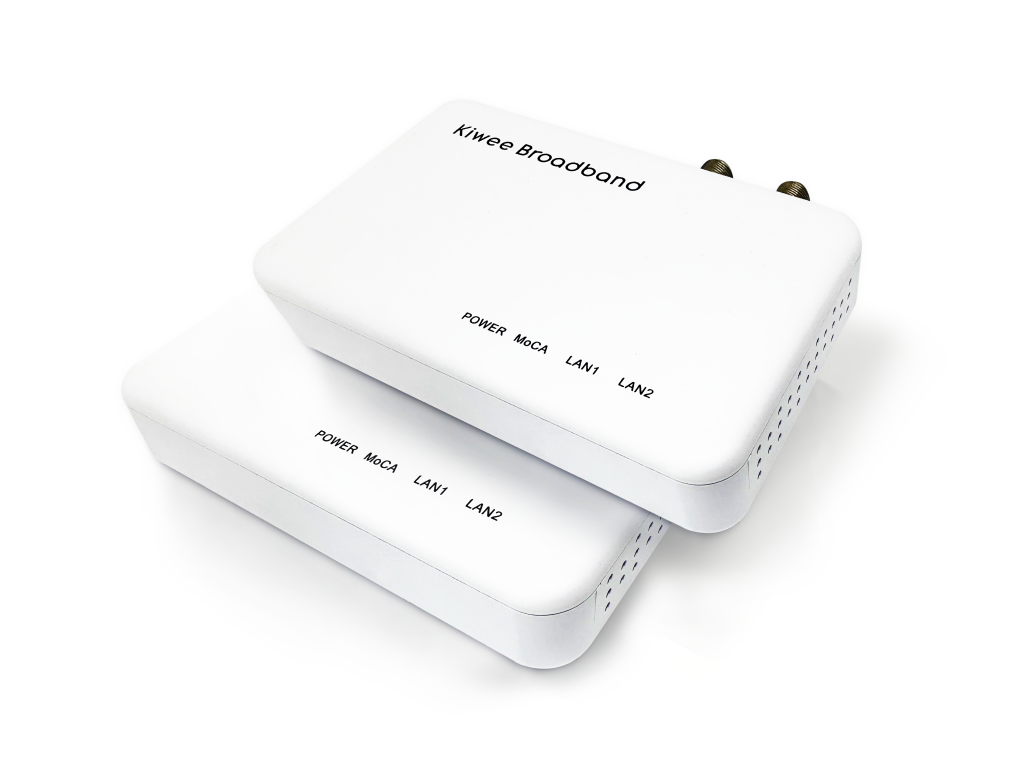
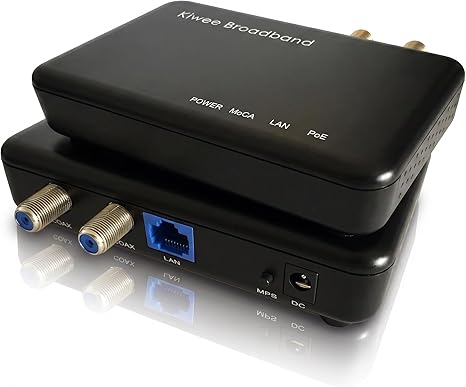
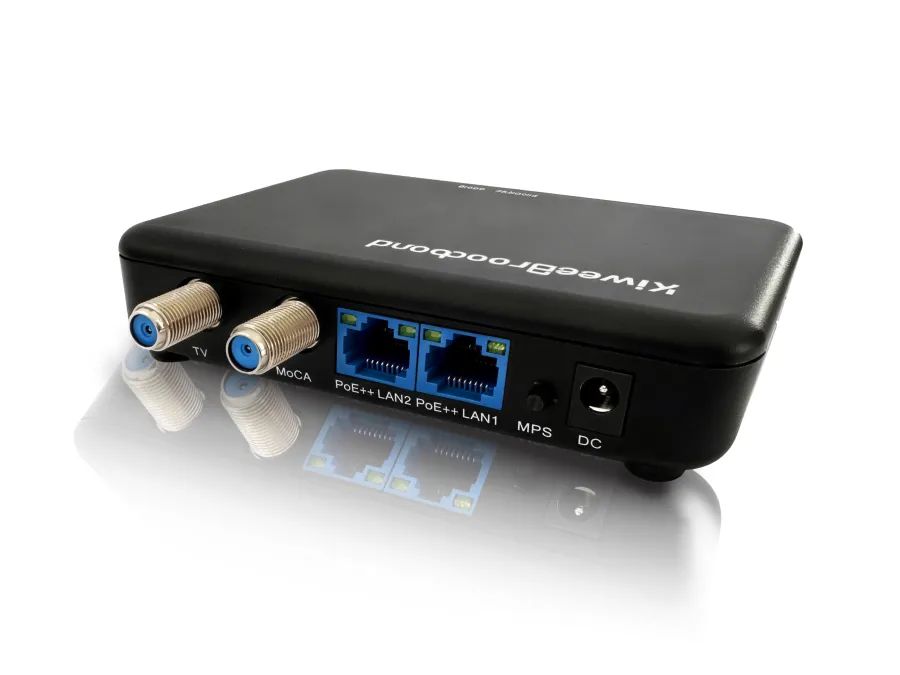
MoCA 2.5 Adapter – Dual 2.5Gbps Ethernet KB-M3-02
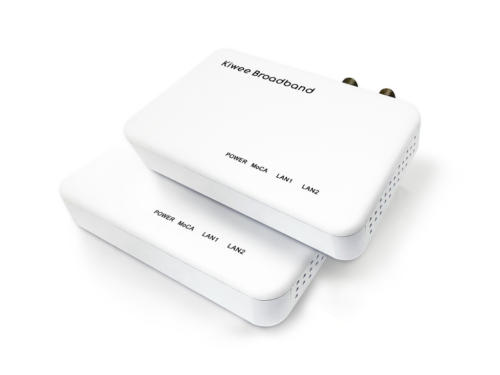
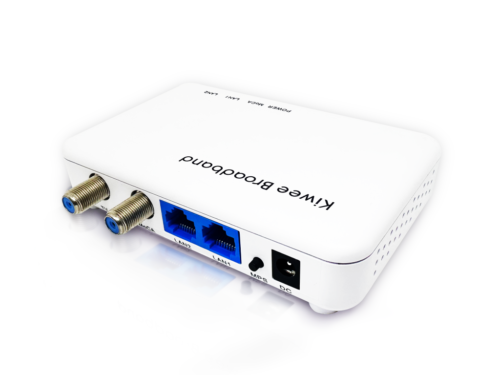
Experience a World-First in Networking Technology with Our MoCA 2.5 Adapter!
We’re proud to introduce a global innovation: the only MoCA 2.5 Adapter on the market with dual 2.5GE ports! No other product worldwide offers this level of connectivity and performance—giving you a unique edge in home networking.
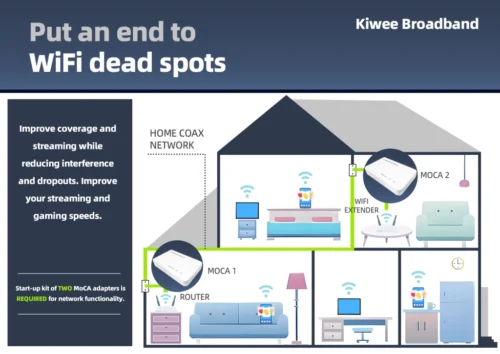

Why settle for less when you can have exclusive, high-speed wired connections for multiple devices? With 2.5 Gbps speeds and our dual-port design, this adapter transforms your existing coaxial lines into a robust, high-performance network. Ideal for 4K streaming, online gaming, and bandwidth-intensive applications, it ensures you never have to compromise on speed or stability.
Key Benefits:
- World’s Only Dual 2.5GE Ports: Enjoy unparalleled flexibility and high-speed connectivity across multiple devices.
- Exceptional Reliability: Consistently fast and stable connections, even under heavy data loads.
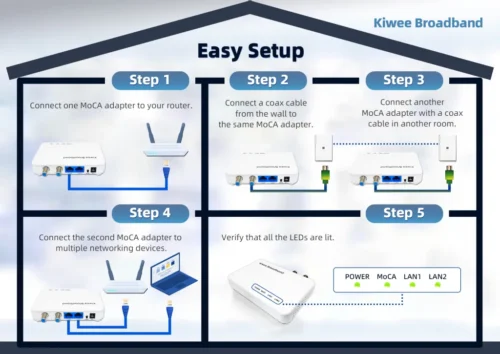
- Simple Installation: Just plug it in—no need for additional cables or complex configurations.
Take advantage of this world-first technology and set a new standard for home networking. The MoCA 2.5 Adapter with dual 2.5GE ports is here to redefine connectivity for the modern home.
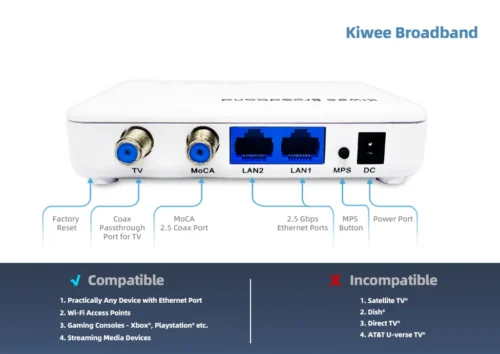
Get ready to experience what only we can offer!
🛠️ Why Two Ports Matter
Discover how a dual-port MoCA adapter can simplify your setup and boost your network performance.
Tech Specs
| INTERFACES: | – Two 10/100/1000/2500 Base T Ethernet LAN – One MoCA 2.5/2.0/1.1/1.0 Coaxial Jack (1125MHz~1675MHz) – One TV Coaxial Jack (5MHz~1002MHz) – One MPS Pairing button – One Reset Push button |
| NETWORK SIZE: | – Up to 16 Devices (including NC) |
| CHIPSETS: | – MaxLinear MxL3710 – MaxLinear GPY211 |
| REGULATORY: | – FCC, CE – UL |
User Manual
Other languages user manuals are available below:
Firmware
1.18.13.5 Based on Maxlinear SDK v1.18.13
FAQ
What makes this MoCA adapter different from other brands?
What real-world speeds can I expect from this adapter?
Is this adapter compatible with DOCSIS 3.1 cable modems?
Can I use both 2.5G ports simultaneously at full speed?
How much latency does this adapter add for gaming?
Will this work with my mesh WiFi system for wired backhaul?
Can I mix this adapter with other MoCA brands in my network?
What’s included and how difficult is the setup?
Tutorial Videos
Configure MoCA in D-Band High to Eliminate DOCSIS 3.1 Interference
Improve MoCA performance by shifting to D-band High (1350–1675 MHz) to avoid overlap with DOCSIS 3.1 modems/routers that reach up to 1218 MHz. This guide walks you through updating all MoCA devices to the same D-band High setting and LOF values to ensure a solid, interference-free connection.
Steps:
- Locate MoCA settings on each adapter via web interface
- Change the frequency band to D-band High (1350–1675 MHz).
- Apply the 1400Mhz LOF value on every MoCA device
- Repeat steps 1–3 for all MoCA adapters in the network.
- Restart each device to apply the new settings.
- Reconnect all equipment and verify that MoCA link lights are solid and network performance is stable.
Tips:
If a device remains on the old band, recheck the configuration on that unit and reapply settings.
Ensure all adapters use the same band and LOF values; a mismatch can prevent links from coming up.
Check MoCA Adapter Firmware and Link Rate for Stable Performance
When issues arise, verify the MoCA adapter’s firmware version and link rate. The link rate indicates the stability and reliability of the MoCA connection, so give it close attention. A healthy link rate is typically around 3500 Mbps.
Switch MoCA Adapter from Static IP to DHCP for Automated Management
Some users prefer the MoCA adapter to obtain its management IP address via DHCP. This guide provides clear, step-by-step instructions to enable DHCP on the MoCA device, improving network flexibility and ease of management.
Enable MoCA Traffic Security Protection Across Your Network
Activating the Security feature protects data transmitted over the MoCA network from unauthorized devices. All MoCA devices on the network must support and enable this feature; older devices may not. MoCA 2.5 devices generally support it. Before enabling, verify the device types in your home to avoid connection failures.
| Weight | 200 kg |
|---|